Context-aware tuning
The app recognises whether you are in a meeting, using AI tools, streaming or gaming, and adjusts routes and transport accordingly.

Thousands of high-speed servers, real-time route selection, one button to connect. QuickQ hands the network tuning to algorithms and leaves the simple part to you.
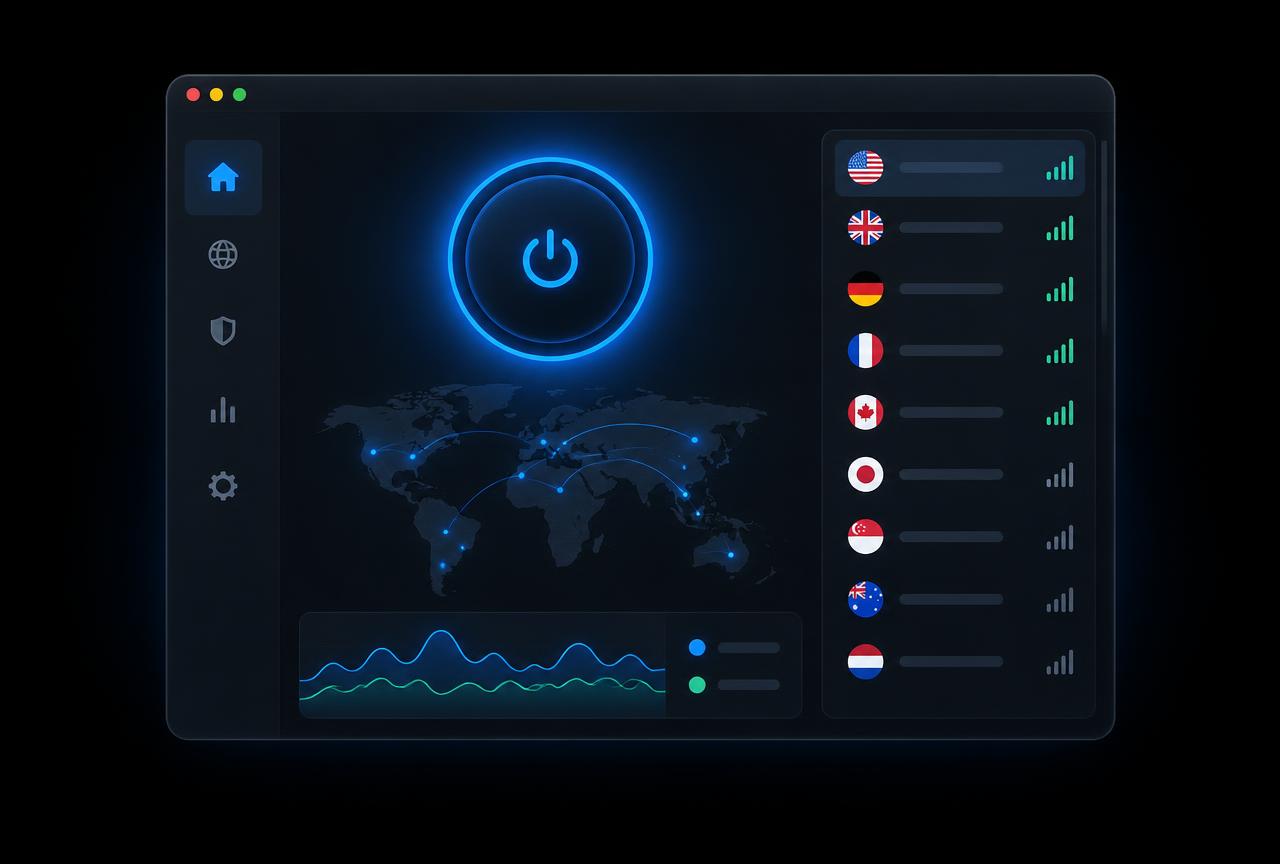
QuickQ runs independent backbone links across North America, Europe, Japan, Korea, Southeast Asia and the Middle East. The app samples latency, packet loss and jitter every 15 seconds, then places your traffic on whichever route is performing best right now — instead of asking you to test them one by one.

Monthly, annual and two-year billing are all available and cancel any time. The annual plan works out to a fraction of a coffee per day.
UDP forwarding and congestion control tuned for real-time play measurably flatten latency spikes on cross-region matches. A built-in latency board shows the expected result before you switch servers.
Download now →
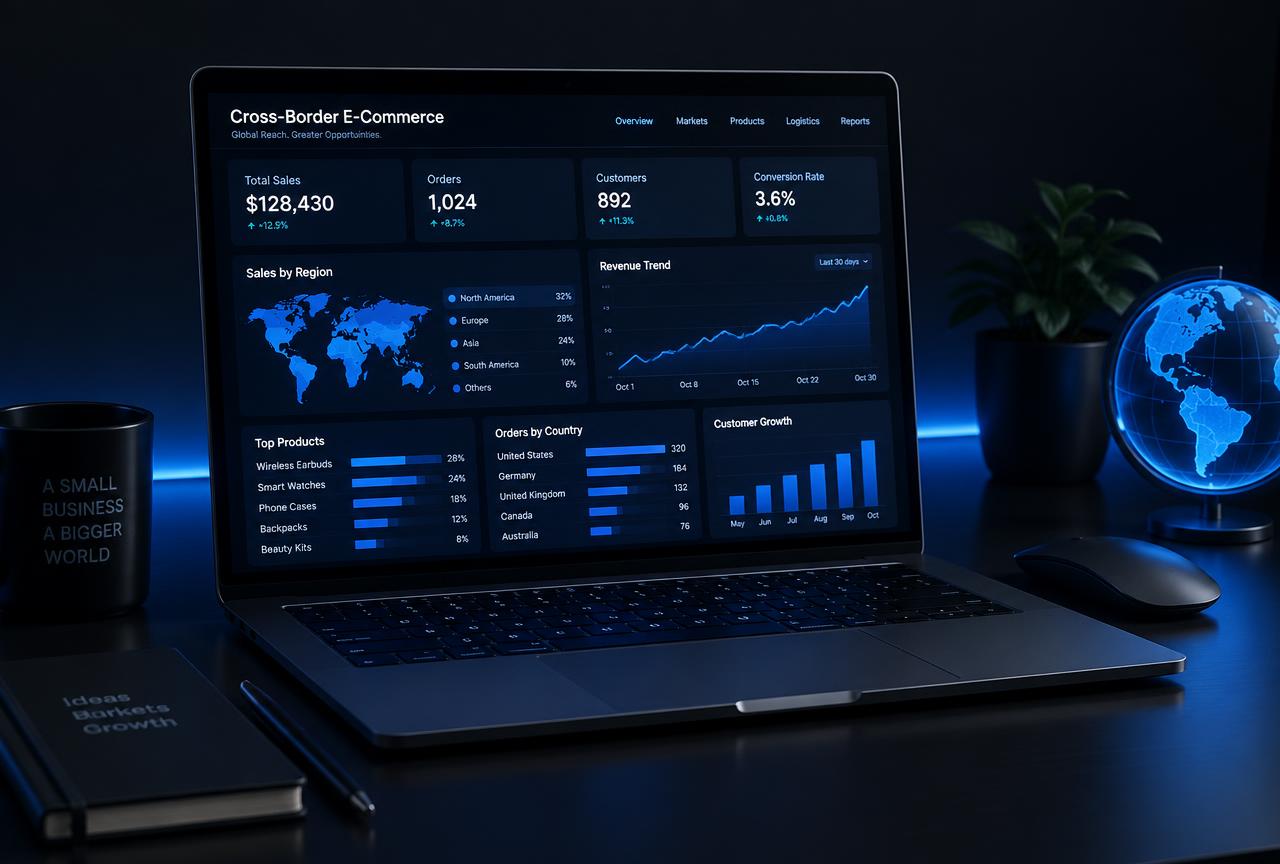
Residential-grade and datacenter IP pools are allocated per account instead of shared with strangers, which cuts down on store risk flags and repeated captchas. IPs can be pinned to a city for long-term operations.
Learn more →Six capabilities make up the baseline experience. They are all enabled out of the box — no settings hunt required.
The app recognises whether you are in a meeting, using AI tools, streaming or gaming, and adjusts routes and transport accordingly.
IP pools are isolated per account and continuously audited so flagged addresses are retired before they reach you.
No browsing history, no DNS queries, no connection timestamps. Billing data is stored separately from network activity.
AES-256-GCM and ChaCha20-Poly1305 suites with forward-secret key exchange.
English and Chinese agents around the clock, with a median first reply under three minutes.
Up to six simultaneous devices per account across phones, computers, tablets and TVs.
Pick your platform on the download page. Installers are under 40 MB and need no extra configuration.
Sign up with an email to start the 3-day free trial, then upgrade to monthly, annual or two-year billing whenever you like.
Open the app and press connect. QuickQ selects the best server automatically, or you can pick a country and city by hand.
Our team spans four time zones and video calls used to drop constantly. With QuickQ everyone shares a fixed business exit, calls have been stable ever since, and I can see each member's connection quality in the console.
Hotel Wi-Fi used to be my biggest travel worry. QuickQ picks the route on its own; I press connect once and uploads and client review calls just work.
Cross-region queues went from around 160 ms to roughly 70 ms, switching servers takes two seconds, and the interface needs no tutorial.
Three days free, no card required, cancel any time.